Check-in Process
Check-in Process
- On the iPad, visit kidscheckin-gc.fluro.io
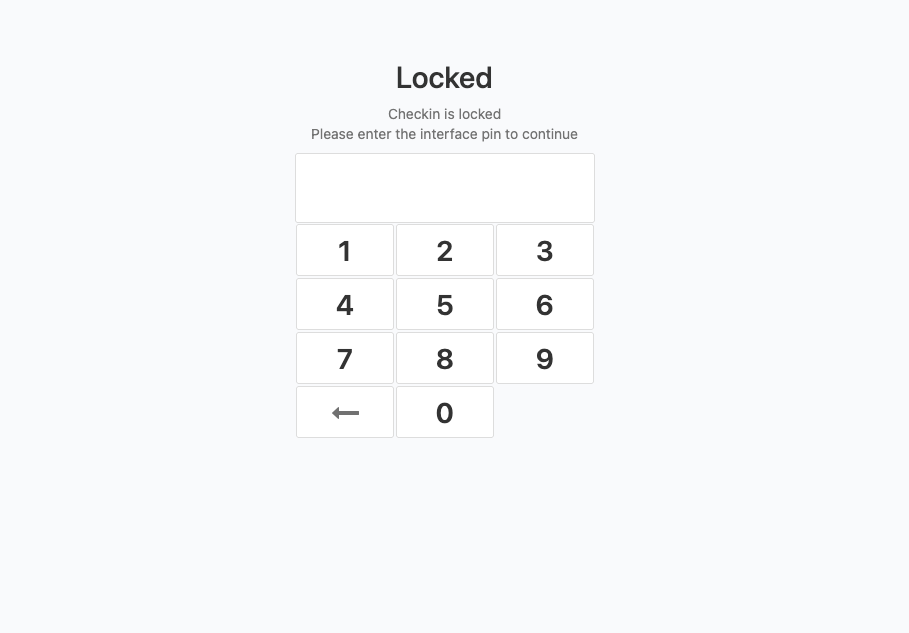
- Login using the 4-digit passcode (Passcode: 1750)
- Ensure the correct "print station" is selected at the bottom of the page
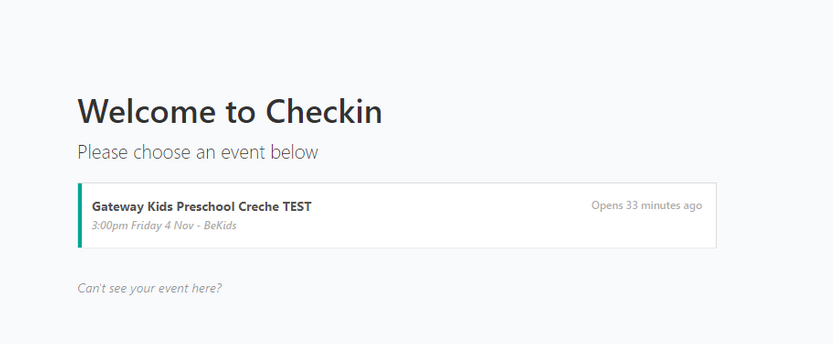
- Choose the correct event from the list
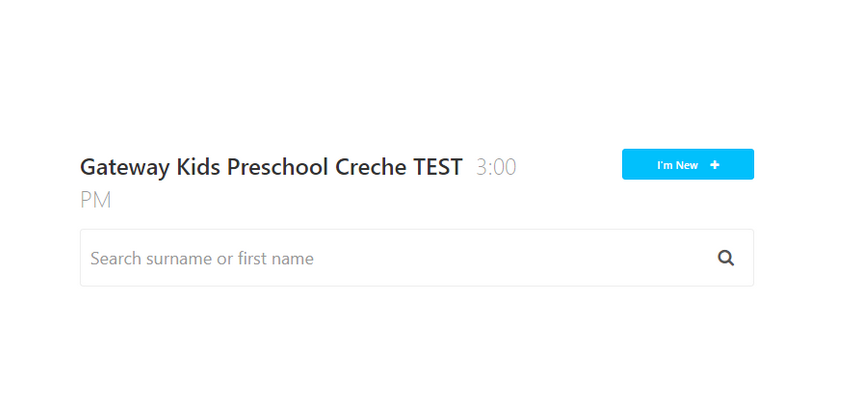
- Enter the first or last name of the child you would like to checkin
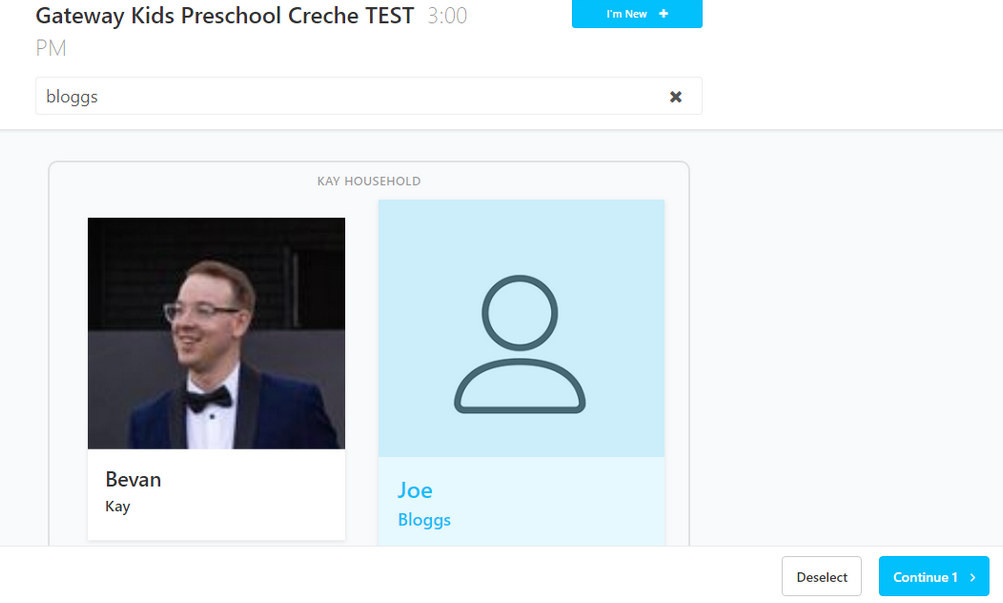
- Select the children you would like to the checkin, and then select "continue" in the bottom right corner
- They are now checked in. On the main screen you will see the number of children checked in in the top right corner.


Contacing a Parent
Parents will need to be contacted when a nappy change is required, in some cases for toilet runs, or when their child needs their care.
To contact a parent;
1. Open up roll call by selected "X checked in" in the top right hand corner of the checkin screen.
1. The roll call screen will appear. Enter the passcode (passcode: 1750)
1. Search and choose the child requiring attention from the list, and click the arrow on the right hand side.
 1. On the right hand side, tap the parent that you would like to contact.
 1. A preset message will appear, saying "Hi “Parent Name”, please come and pick up Joe as soon as possible”".
- Edit the message as required
- Press send
1. A preset message will appear, saying "Hi “Parent Name”, please come and pick up Joe as soon as possible”".
- Edit the message as required
- Press send
